Step 3: How to Create Rules
Click Add Rule and configure:
-
Enable/Disable rule
-
Rule Title: In the Enter rule title field, provide a unique and descriptive name for the rule.
-
Enable Downloadable Link After: Select when the downloadable link should become available to customers.
Available Options:
Payment
Order Delivered (Fulfillment)
- Set Download Limit: Set number of downloads
- Set Download Expiration Period: Set expiry duration
- Add File Password (Optional): Use the Enter Key/Password for Downloadable Files field to secure files with a password.
- Add File Description (Optional): Provide additional information about the downloadable file.
- Attach Downloadable Files With: Link files directly to products/variants.
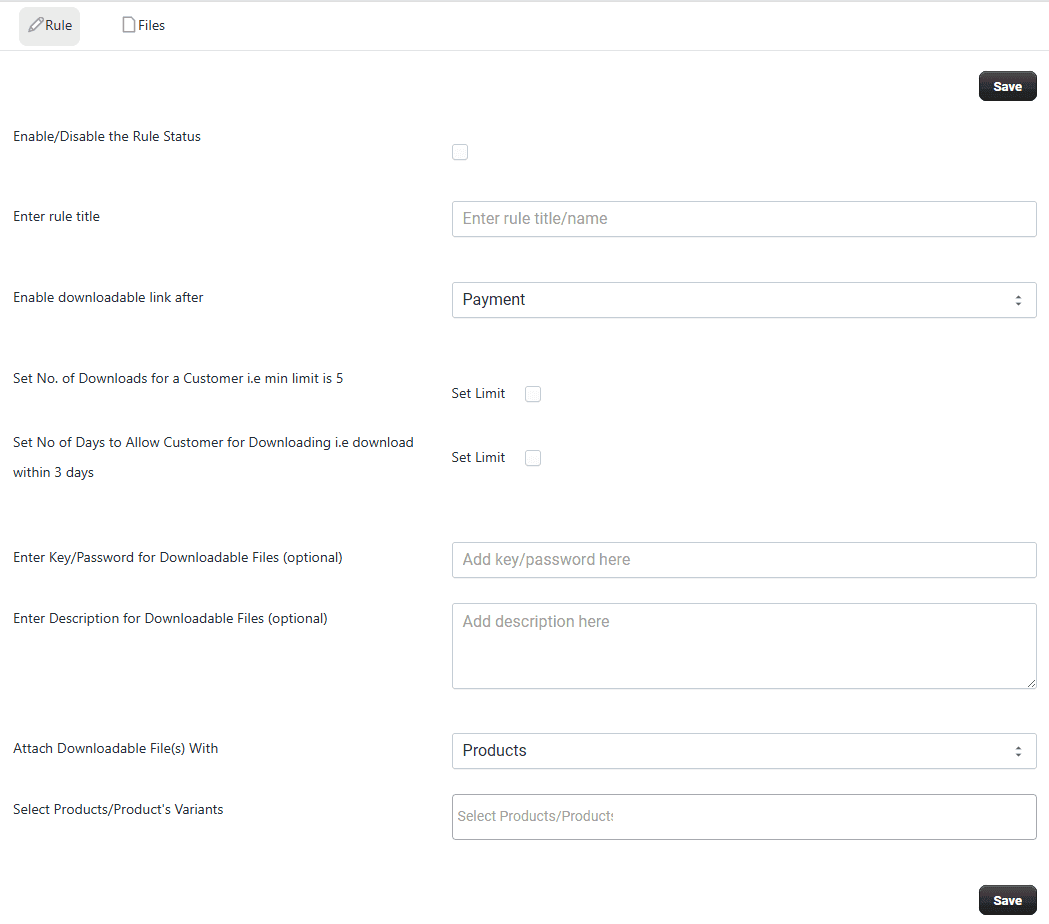
Click the Save button to create or update the rule.
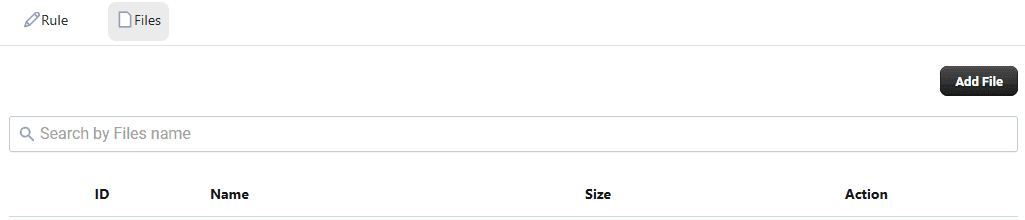
Add Files
- Click Upload Files
- Add multiple file types (PDF, Word, Images, Audio, Video, etc.)