Enable App Embed (For Shopify 2.0)
To apply the app on your storefront, you need to enable it in your theme settings.
Steps:
- Go to Shopify Admin.
- Navigate to Online Store → Themes.
- Click Customize.
- Open Theme Settings → App Embeds.
- Find Extendons Animated Login App.
- Toggle it ON.
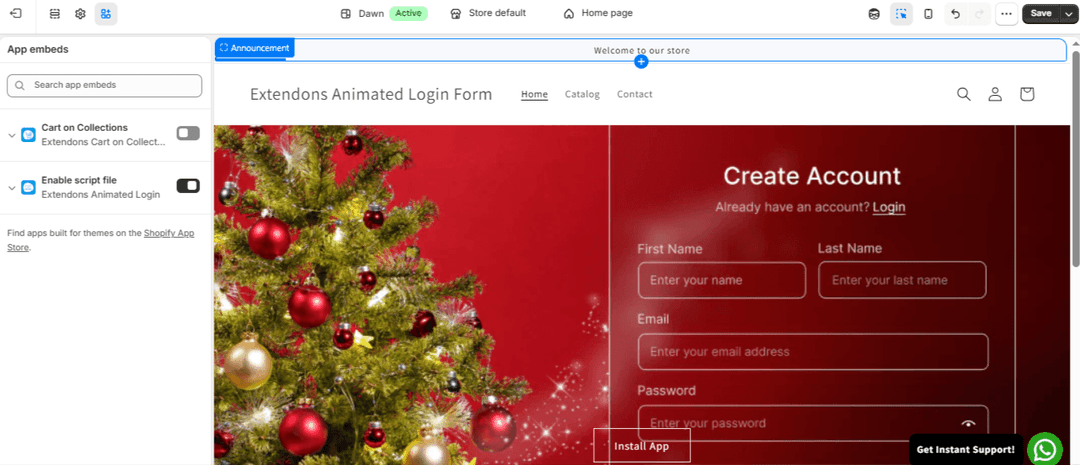
Click Save.
Setup Complete You have successfully:
- Installed the app
- Customized login, signup, and forgot password forms
- Created and applied templates
- Enabled the app on your theme
Your store now has a more engaging and visually enhanced login experience.
