Enable App Embed (Activate App)
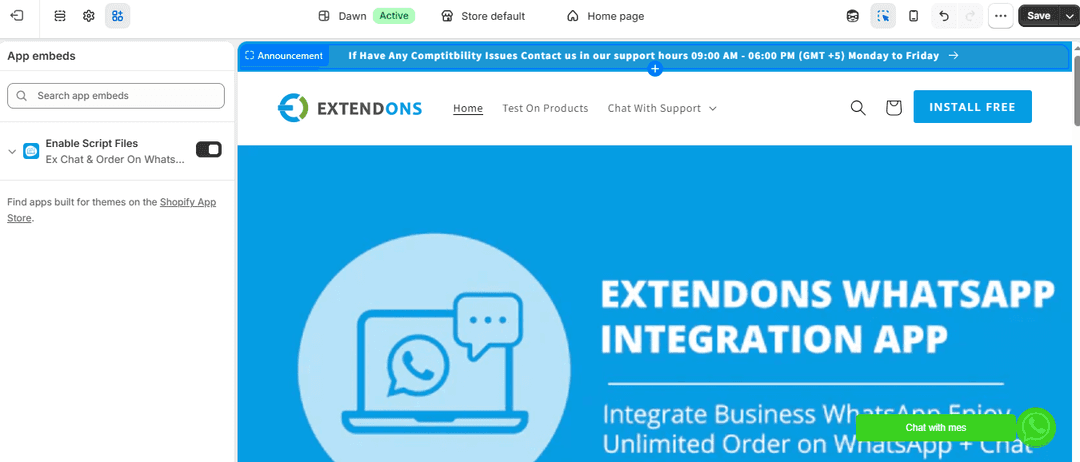
To display the WhatsApp feature on your storefront, enable the app in your theme. Steps:
- Go to Shopify Admin.
- Navigate to Online Store → Themes.
- Click Customize.
- Open Theme Settings → App Embeds.
- Find the WhatsApp Chat & Order App.
- Toggle it ON.
- Click Save.
Note: If you are not using a Shopify 2.0 theme, do not enable this option.