Step 2: How to Create and Manage Rules
Rules allow you to control where the cart edit button is displayed.
-
Add a New Rule
Go to the Rules section.
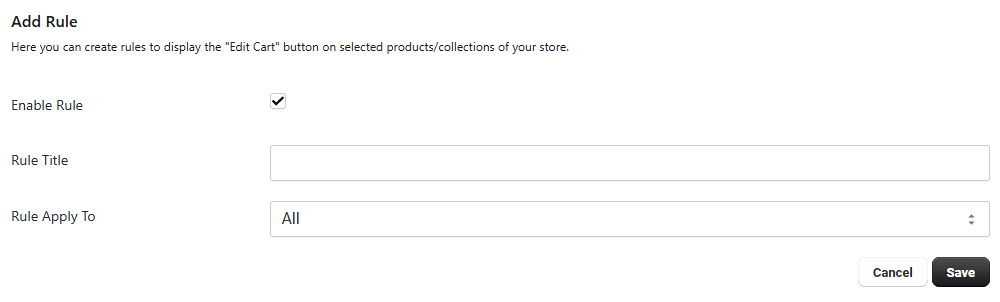
Click on Add Rule.
Rule Settings
-
Enable Rule Turn ON to activate the rule.
-
Rule Title Enter a name to easily identify the rule.
-
Apply On Choose where the rule will be applied:
All Products
Specific Products
Collections
This helps you control button visibility across your store.
-
Update or Edit Rule
Once a rule is created, it will appear in the list.
Click the pencil icon to edit and update the rule at any time.